A data room tells you what the seller chose to put in it. Company intelligence tells you what the world says: the subsidiaries a policy may need to name, who leads the business, what is happening in its industry, and whether there is adverse news the schedules don’t mention.
Five questions, each answered with a date
| Playbook question | From InsightPulse |
|---|---|
| What does the company profile say? | Sector, revenue, employees, parent |
| Which subsidiaries must the policy name? | The corporate hierarchy |
| Who leads the target; any recent change? | Leadership with since-dates |
| What are the industry’s trends? | Industry notes and metrics |
| Is there adverse news? | News with category and date |
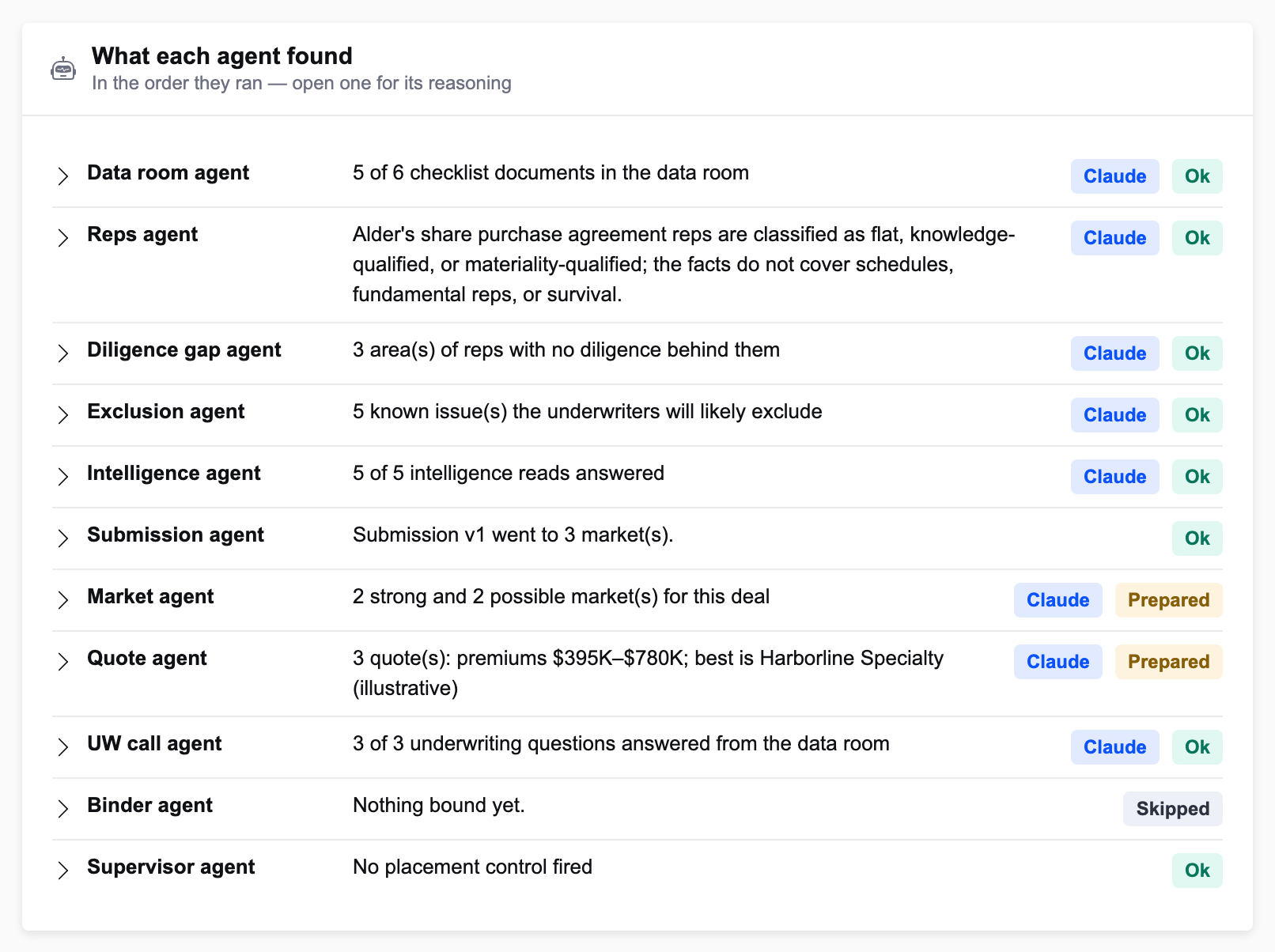
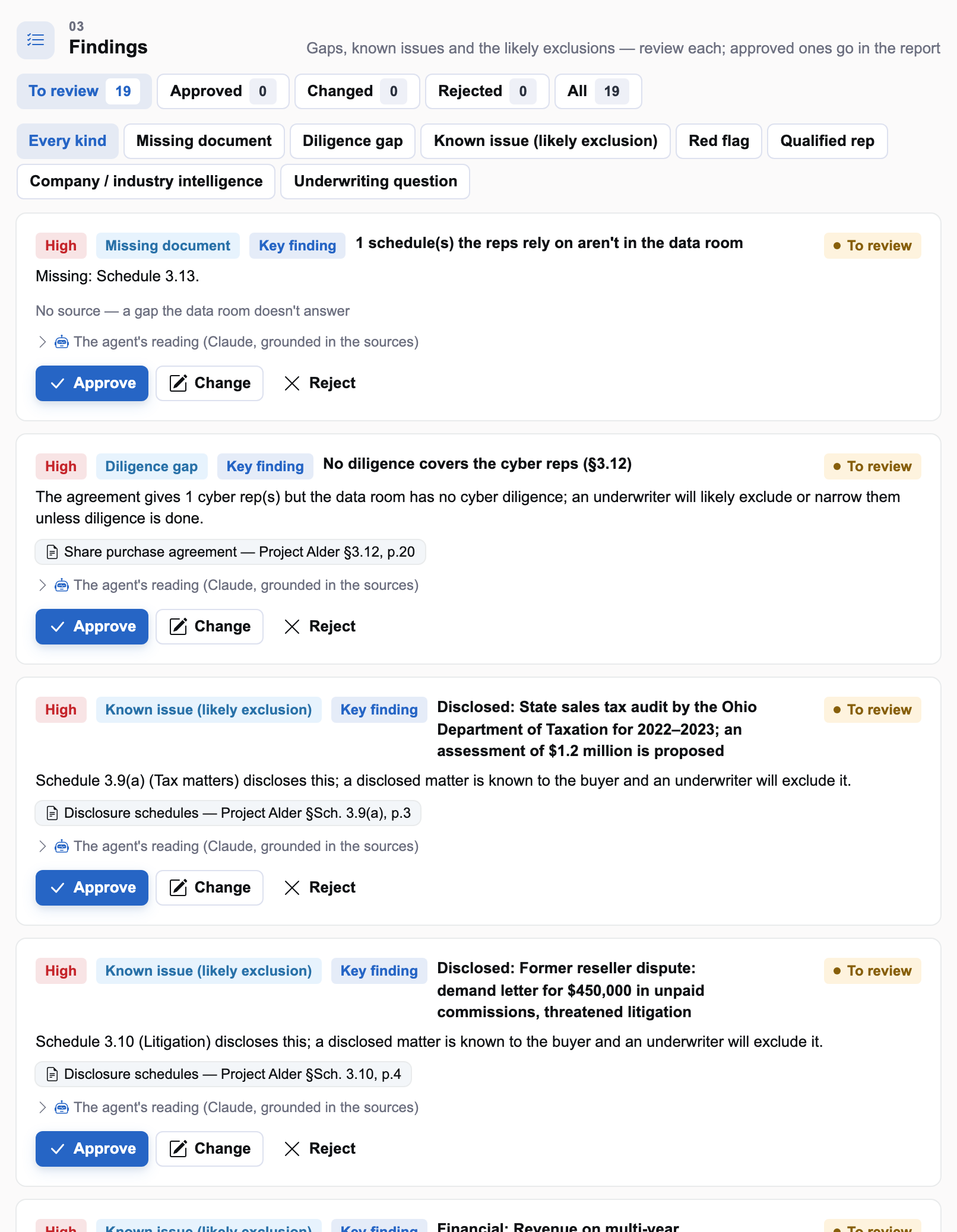
On Project Alder (illustrative), InsightPulse reports a security incident at the UK subsidiary in August. The intelligence agent turns it into a red-flag finding cited “Pulse: news, as of” its date — and the quote agent later uses it to explain why a data privacy exclusion matters on this deal.
UK subsidiary incident"] --> RF["Red flag finding"] RF --> QA["Quote agent: data privacy
exclusion matters here"] RF --> UW["UW call: expect
the question"] RF --> SUB["Submission: company
and industry section"]
Without InsightPulse
With no Pulse endpoint configured, an illustrative stand-in answers for the demo book, and every fact still carries “Pulse (illustrative)” and a date. In production the lookup is signed and the as-of date is Pulse’s own.
Keep reading
Reading the data room: InsightXtract and cited pages
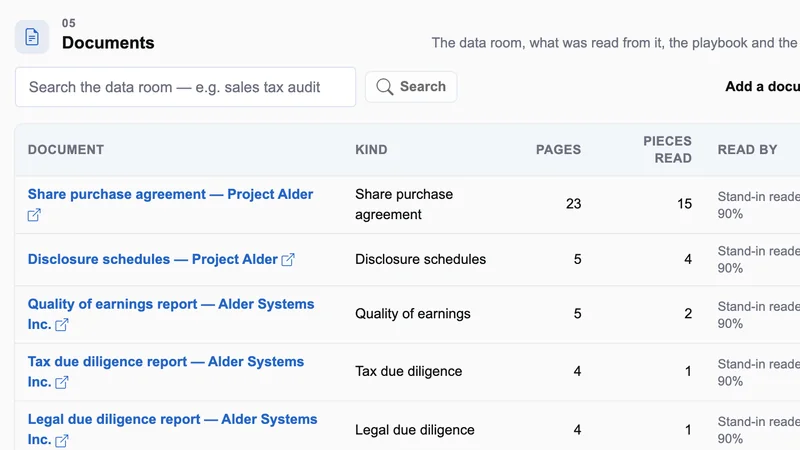
Purchase agreements, schedules and diligence reports read into pieces that know their page.
The first ninety days on a deal desk
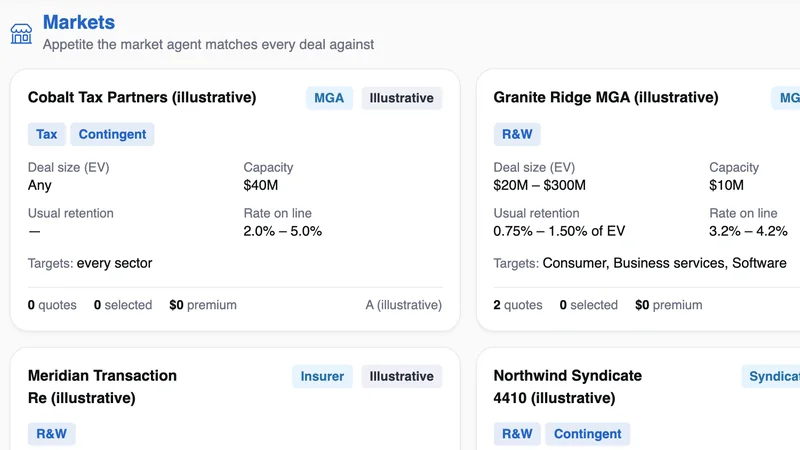
One team, closed deals first, agents at draft — and the evidence that earns the next step.